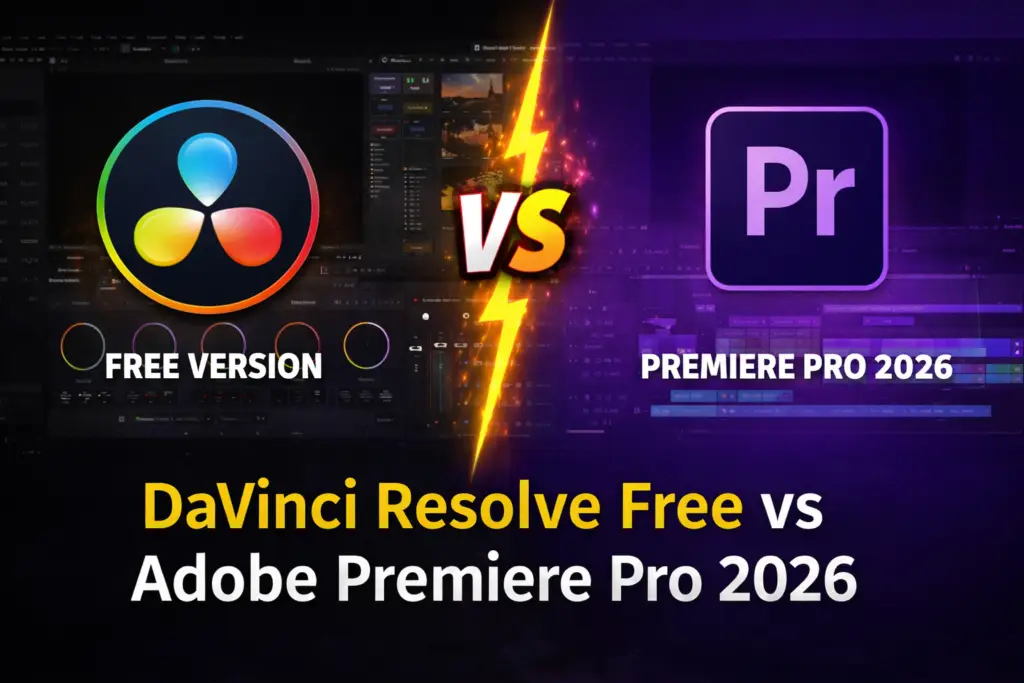
DaVinci Resolve free version mein Hollywood tools! Adobe Premiere se better? 2026 full comparison – color grading, price, performance. Dehradun mein seekhna? Mak Digital Institute join karo!
DaVinci Resolve Free – Why It’s Better Than Adobe Premiere Pro in 2026? Honest Comparison + Beginner Guide
Hey, imagine this: You’re making Reels, editing YouTube videos, or handling wedding shoots in Dehradun – but every month ₹1,500-2,300 flies away on Adobe Premiere Pro subscription?
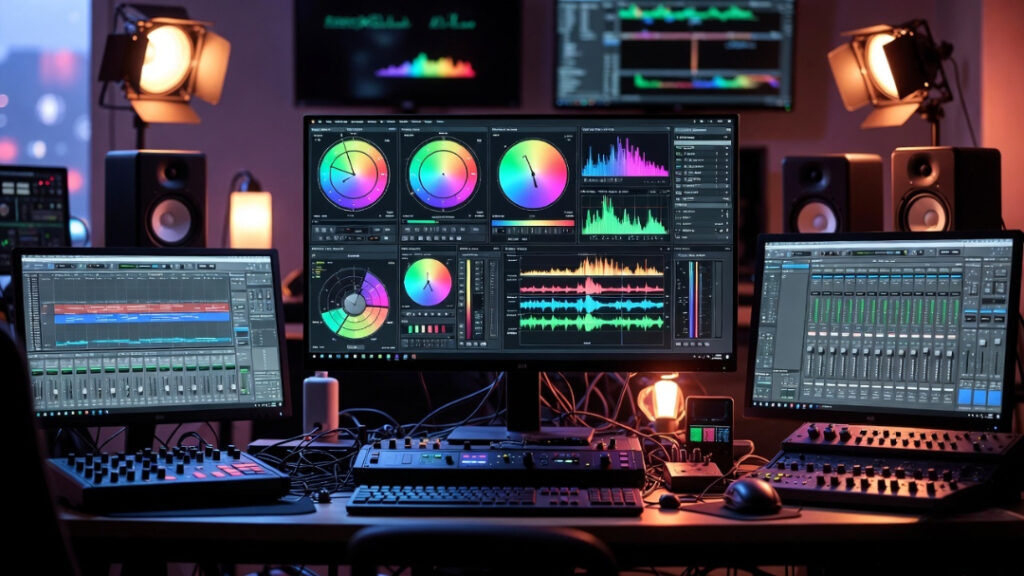
That’s the magic of DaVinci Resolve. In 2026, creators in India (especially beginners and freelancers in Uttarakhand/Dehradun) are switching fast because the free version is so powerful it seriously challenges Premiere Pro.
Today, we break it down simply:
- What do you get in the free version?
- Where does it beat Adobe Premiere Pro?
- What are the real limitations?
- Step-by-step beginner guide + how to learn in Dehradun.
Let’s dive in – after reading this, you’ll know exactly if you should switch!
1. Price Battle: Free vs Subscription – Who Wins?
Money matters most in India, right? Let’s compare.
- DaVinci Resolve Free → ₹0 forever! No subscription, no hidden costs. Download from Blackmagic Design official site – lifetime free updates. (Pro tip: The free version has 95%+ of pro features – perfect for beginners and freelancers.)
- DaVinci Resolve Studio (paid upgrade) → Around ₹20,000-25,000 one-time payment (lifetime access, free updates). Gets you advanced AI, 8K support, extra tools.
- Adobe Premiere Pro → ₹1,500-2,300/month (or ₹20,000+ per year). Full Adobe suite costs even more (~₹4,000+/month). Only 7-day trial.
2026 Verdict for India Creators: If you’re a student, fresher, or on a tight budget (like many in Dehradun), DaVinci Resolve Free is the clear king. Save that money for a better camera or course instead!
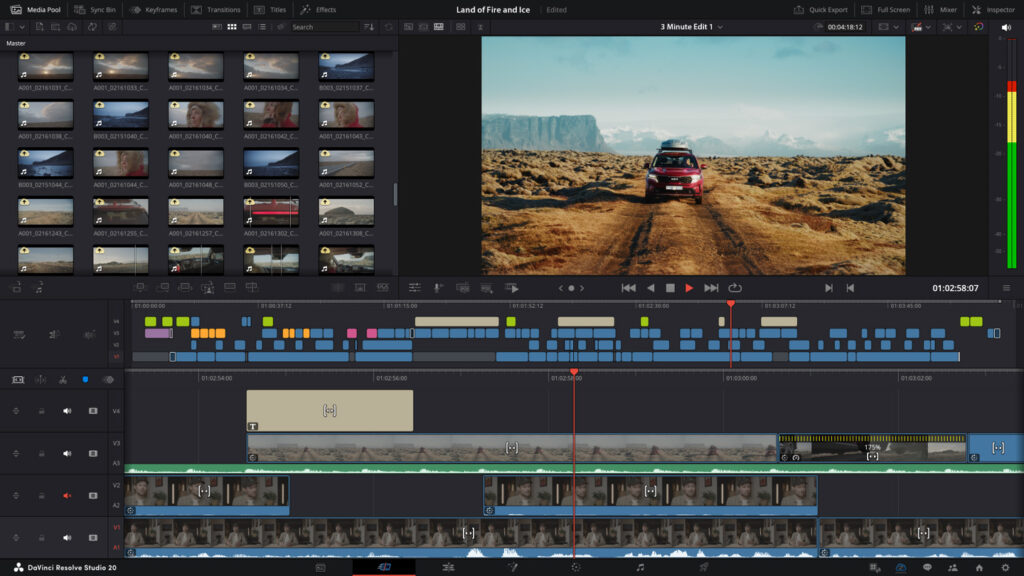
2. Features Head-to-Head: Hollywood Power in One Free App!
DaVinci Resolve is an all-in-one beast – editing, color grading, audio, VFX all in the same software. Premiere often needs extra apps (like After Effects or Audition) for pro work.
Here’s the latest 2026 comparison table (based on real user reviews and official data):
| Feature | DaVinci Resolve Free (2026) | Adobe Premiere Pro | Winner for India Creators 2026 |
|---|---|---|---|
| Basic Editing | Super smooth Cut + Edit pages | Flexible timeline, easy drag-drop | Tie (Premiere easier for total beginners) |
| Color Grading | Hollywood-level (Nodes, wheels – unbeatable!) | Lumetri (good but basic) | DaVinci Resolve |
| Audio Mixing | Fairlight built-in (pro mixer + effects) | Basic, needs Audition extra | DaVinci Resolve |
| VFX & Effects | Fusion page (free + powerful) | Basic, needs After Effects | DaVinci Resolve |
| AI Tools | Neural Engine (limited: Magic Mask, etc.) | Sensei AI (Auto Reframe, captions) | Premiere slightly ahead for easy AI |
| Export Quality | Up to 4K/Ultra HD 60fps free | Full support | Tie |
| Performance (Normal PC) | Strong GPU use, fewer crashes | Heavy, more hangs on older laptops | DaVinci Resolve |
| Collaboration | Multi-user even in free | Team Projects (paid) | DaVinci Resolve |
Biggest win: Color grading in Resolve is legendary – Hollywood movies like Avengers and Dune use it! Free version gives node-based tools, scopes, curves – way deeper than Premiere’s Lumetri.
- DaVinci Resolve Color Page screenshot (node tree + color wheels visible).
- Before-after color grading split image example.
- Adobe Premiere Pro timeline screenshot for comparison. Size: LARGE each)
3. Real Limitations of Free Version (Being Honest)
Free version rocks, but it’s not perfect:
- Max resolution: Ultra HD 4K at 60fps (no 8K).
- Some advanced AI (full noise reduction, voice isolation) only in Studio.
- Advanced codecs (like certain HEVC 10-bit) may need transcoding.
- No multi-GPU support (slower renders on huge projects).
But for 90% of creators (Reels, YouTube, weddings, corporate videos) – it’s more than enough! No watermark, full exports. Premiere? Pay or nothing.
4. Who Should Choose What? Real 2026 Scenarios in India
- Beginner/Fresher (Dehradun student): Go DaVinci Resolve Free – learn free, build portfolio, start freelancing.
- Wedding/Reels Creator: Resolve – color grading makes videos look premium, clients love it!
- Big Agency/Team: Premiere if you’re already in Adobe world, else switch to Resolve to save money.
- Tight Budget: Resolve 100%!
5. Step-by-Step Beginner Guide: Start Today!
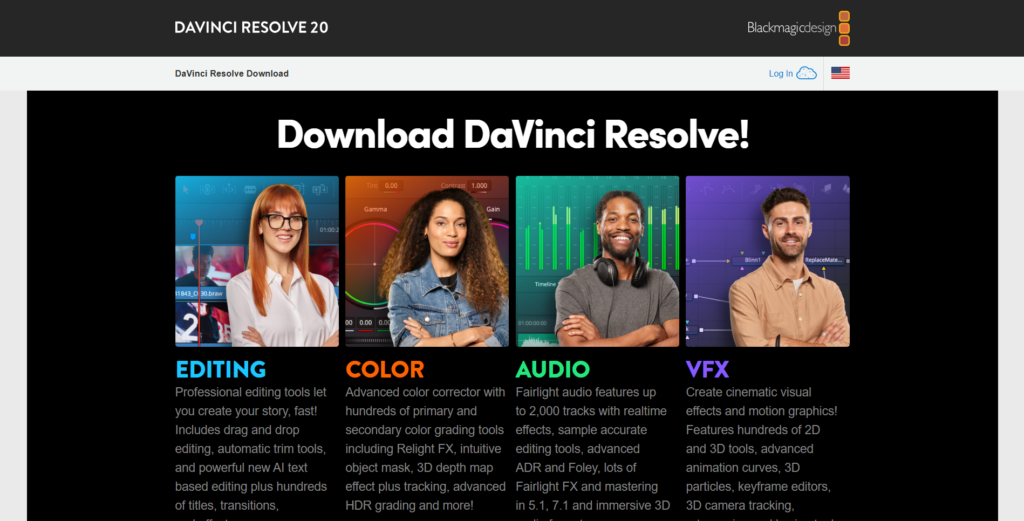
- Download It – Go to blackmagicdesign.com/products/davinciresolve → Pick Free version. (Works on Windows, Mac, Linux).
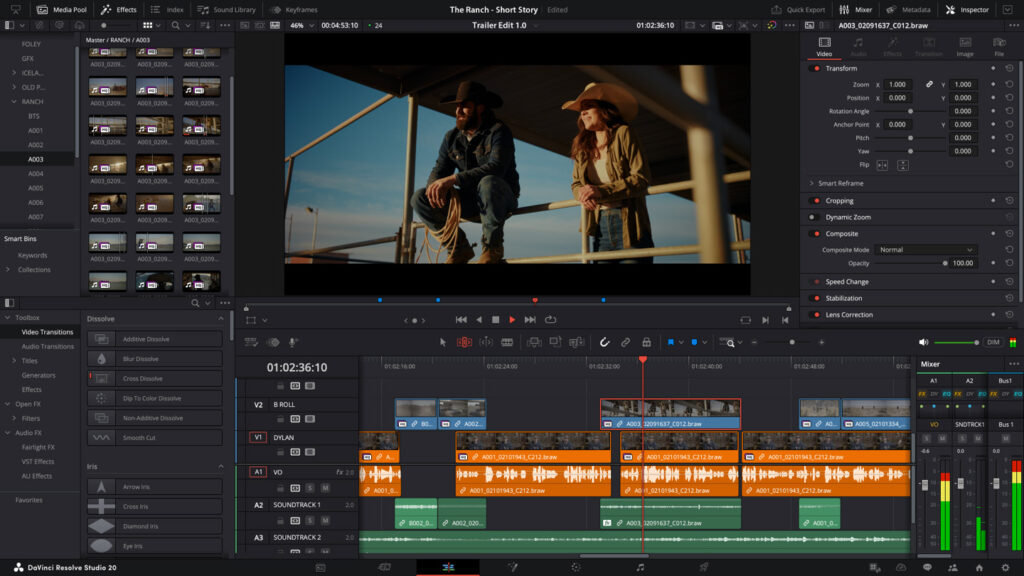
- Learn the Basics – Check pages: Media, Cut, Edit, Color, Fairlight, Fusion, Deliver.
- Your First Project – Import footage → Use Cut page for quick edits → Jump to Color page and try grading (search YouTube: “DaVinci Resolve beginner tutorial 2026”).
- Practice Ideas – Edit a Reel, color correct a wedding clip, make a YouTube intro.
- Want Pro Level? – Join Mak Digital Institute in Dehradun! Our DaVinci Resolve Course: 3-6 months, real projects, job assistance, affordable fees.
Conclusion: Time to Switch – The Future Is Free!
In 2026, DaVinci Resolve Free is shaking things up – super powerful, no subscription stress, and privacy-safe (all AI runs locally on your computer – no cloud data sharing for your videos!). Adobe Premiere Pro is still good, but expensive.
If you want a creative career (video editing, freelancing, ₹50k+/month earnings), download Resolve today and start practicing!
Dehradun/Uttarakhand creators: Demand for editors is growing fast – weddings, local businesses, YouTubers all need pros. Enroll at Mak Digital Institute for expert guidance.
Comment below: Have you tried Resolve yet? Or still loyal to Premiere? Share this with friends – let’s make it viral! 🚀